

Ask most registered NDIS providers whether their support workers are cleared, and the answer comes quickly: yes. Ask them to show an auditor which worker held which role on a particular Tuesday three years ago, what their clearance number was that day, and who decided the role needed screening at all, and the room often goes quiet.
That gap, between holding clearances and proving them, is where many audit findings begin.
An NDIS worker screening check confirms that a state or territory worker screening unit has assessed a person and either cleared or excluded them. It does not, by itself, show that your organisation has met its own obligations. Those obligations sit in the NDIS (Practice Standards – Worker Screening) Rules, and most of them are about records. This guide explains what a defensible register looks like, why common versions fall apart under scrutiny, and how to build one that holds up.
What an Auditor Is Really Checking
Auditors are testing whether your system would catch a problem before a participant is exposed to it. In practice, that comes down to three questions. Did you decide, deliberately and on record, which roles need screening? Can you prove every person in those roles was cleared, or lawfully working under an exception, on every day they worked? And when something changed, such as an expiry, a suspension or an allegation, did you notice and act?
The NDIS Quality and Safeguards Commission sets a demanding benchmark. According to its worker screening guidance for registered providers, your list of workers must let the Commission or a quality auditor see which workers were engaged in a risk-assessed role on any given day across the past seven years.
That “any given day” test is the real standard for your worker screening records. It is far stricter than a list of current staff with clearance numbers beside their names.
The Records the Rules Expect You to Keep
Many providers think of “the register” as a single document. The Worker Screening Rules actually describe a set of related records, and auditors look for each one.
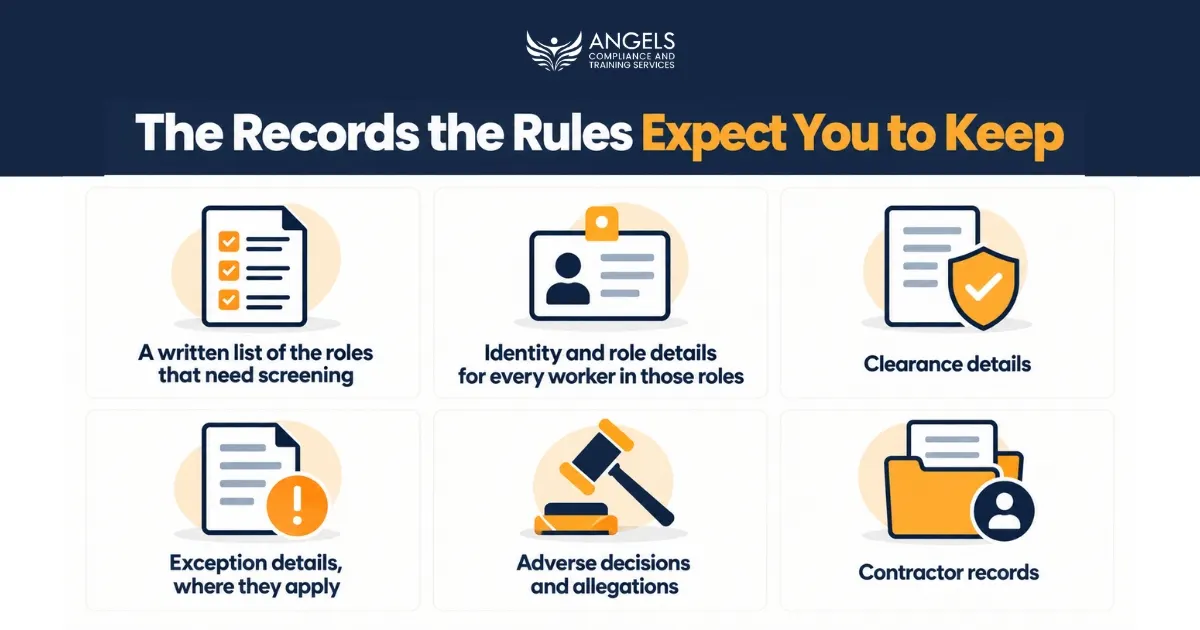
1. A written list of the roles that need screening. For every one of your risk-assessed roles, record the role title, a description of its duties, why it is classified as risk-assessed, when that assessment was made and who made it. A role qualifies if it is a key personnel role such as a CEO or board member, involves direct delivery of specified supports or services, or is likely to need more than incidental contact with people with disability. New or reclassified roles must be added within 20 business days.
2. Identity and role details for every worker in those roles. Record full name, date of birth, address, and the role or roles each person performs. Volunteers and students on placement can sit in these roles too, so look beyond payroll.
3. Clearance details. Capture the application reference number, the clearance number and the expiry date. A clearance is generally valid for up to five years unless it is suspended or revoked.
4. Exception details, where they apply. If someone is lawfully working before they hold a clearance, for example while their application is in progress under your state’s rules, record the basis for the exception, its start and end dates, and the name of the supervisor. That supervisor must hold an NDIS clearance themselves, not just an older state check.
5. Adverse decisions and allegations. Note any interim bar, suspension or exclusion and the action you took in response. The same applies to any allegation of misconduct against a cleared worker, including how you investigated it.
6. Contractor records. Where workers come to you through another organisation, keep the contract, records of how it is administered, and evidence of the reasonable steps you took to confirm each person’s clearance.
All worker records must be kept for seven years from the date they were made, in a form that is organised, accessible and legible.
Why Registers Fall Over on Audit Day
The most common problem we see in internal audits is treating the Commission’s portal as the register. Linking workers in the NDIS Worker Screening Database is useful, but the Commission is clear that your own record must still exist after a worker is unlinked. Unlink someone who resigned last year, and their history disappears from your view, along with your evidence.
The second problem is a register that is overwritten instead of added to. When a worker changes roles or leaves, the old entry should be closed with an end date, never deleted.
Third, the role list is often written once at registration and never revisited. Services grow, and duties drift. An administration officer who now drives participants to appointments may have moved into a risk-assessed role without anyone updating the record. Strong NDIS compliance depends on noticing that kind of change.
Fourth, expiry dates are managed by memory. Workers can apply to renew up to 90 days before expiry, but if a check lapses before a renewal is lodged, the worker must come off all risk-assessed roles straight away. A missed date can quietly turn a rostered shift into a breach.
Finally, the roster and the register disagree. Auditors routinely sample rosters, timesheets and progress notes, then check each name against your screening list. A shift note signed by someone who is not on the register, or whose clearance had expired that week, is a finding even if the person has since been cleared.
Building a Register That Holds Up: A Practical Sequence
Good NDIS audit preparation starts months before the auditor arrives. The steps below turn worker screening from a filing task into a working control.
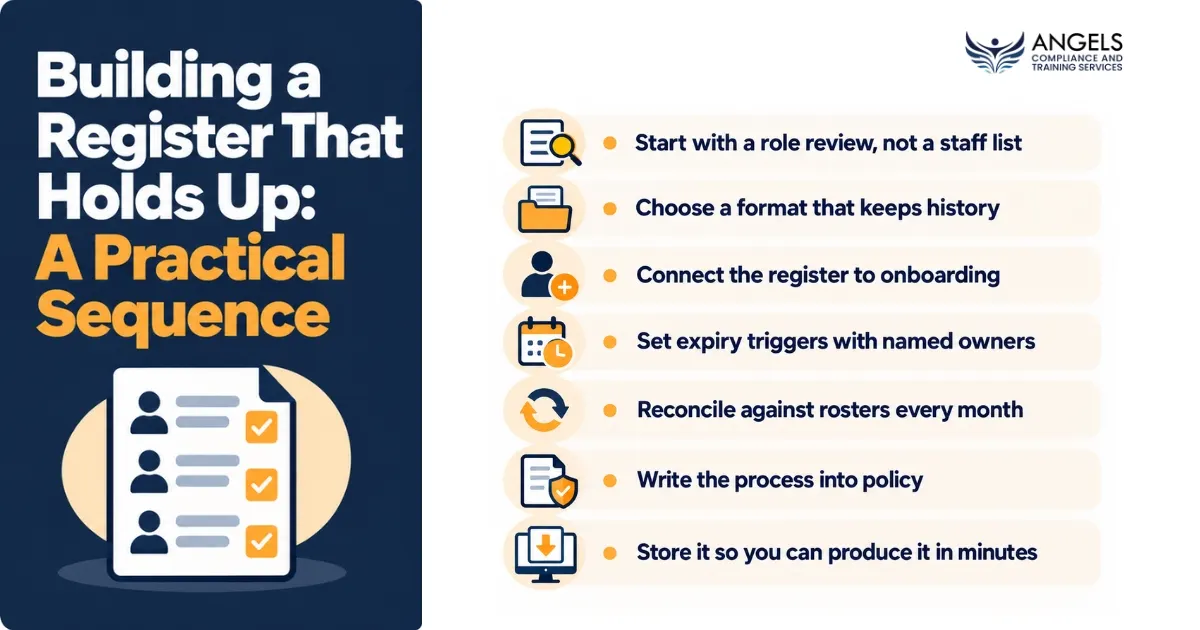
1. Start with a role review, not a staff list. Walk through every position, including key personnel, volunteers, administration staff, and contractors, and apply the three-part test to each. Write down your reasoning for borderline roles. The Commission’s own examples help here: a back-office accountant who only greets customers in passing is treated differently from an equipment technician who trains people in their homes.
2. Choose a format that keeps history. Give every person-and-role pairing a start date and an end date, and never delete a row. A spreadsheet with locked history columns can work for a small team; larger providers usually need an HR system with an audit trail.
3. Connect the register to onboarding. Make it a rule that nobody is rostered into a risk-assessed role until their entry is complete and their clearance has been verified in the portal. Building that check into your support worker induction and orientation process stops gaps at the source.
4. Set expiry triggers with named owners. Flag every clearance at least 90 days out and assign a specific person to follow it up. Portal notices go to whoever holds portal access, so make sure that is never a single person who might be on leave or move on.
5. Reconcile against rosters every month. Pick a handful of past shifts at random and confirm each worker was on the register, in the right role, and cleared on that date. This mini-audit takes under an hour and catches most problems early.
6. Write the process into policy. A worker screening policy should say who maintains the register, how often roles are reviewed, and what happens when a clearance is suspended. Our NDIS policies and procedures can give you a tested starting point.
7. Store it so you can produce it in minutes. Restrict access to protect personal information, but make sure two people can retrieve any historical entry quickly.
Keeping the Register Alive Between Audits
A register built well still decays if nobody looks after it.
Link it to your incident system. When an allegation is made against a worker, the incident record and the screening register should point to each other, so the action you took is visible in both places. Our training on the NDIS incident management process covers how those records fit together.
Keep it beside your training records too. If you are building both at once, our guide to creating an NDIS staff training matrix that passes audit uses the same history-first approach.
Review the role list at least quarterly, and again whenever you add a service, open a new site, or restructure a team. Then test yourself honestly. An NDIS Practice Standards self-assessment is a low-pressure way to find gaps before an auditor does.
Get Your Register Audit-Ready With Expert Support
A clearance protects participants only when your records prove it was in place every day it mattered. Angels Compliance and Training Services helps registered providers across Western Australia and beyond build screening registers, policies and processes that stand up to scrutiny.
Our NDIS audit preparation and internal audit service tests your register the way an auditor would, sampling past shifts and tracing each name back to a valid clearance. If you would like a second set of eyes before your next audit, contact our team to arrange a review.
Disclaimer: This article provides general information only and is not legal advice. Worker screening requirements differ between states and territories and can change. Always confirm current obligations with the NDIS Quality and Safeguards Commission and your state or territory worker screening unit.